
Tech setup

Smart TV Setup Quick-Start Guide

Simple, step-by-step help for getting a TV connected, online, and working without the usual support call.

Best for people who just want the TV working fast

This product is strongest when the buyer is helping family, setting up multiple TVs, or trying to avoid repeated support calls over the same basic issues.

This guide is for people who just want the TV to work. It walks through the essentials in clear, simple language so you can connect the set, choose the right input, get online, and solve common issues quickly.
What the guide covers

  • Unboxing and placing the TV safely
  • Connecting power and turning the TV on
  • Connecting HDMI devices like cable boxes and game consoles
  • Selecting the correct input source
  • Connecting the TV to Wi-Fi
  • Basic picture and sound settings
  • What the main remote control buttons do
  • Troubleshooting no picture, no sound, and common setup mistakes
  • A notes page for TV details and Wi-Fi information

Inside the guide

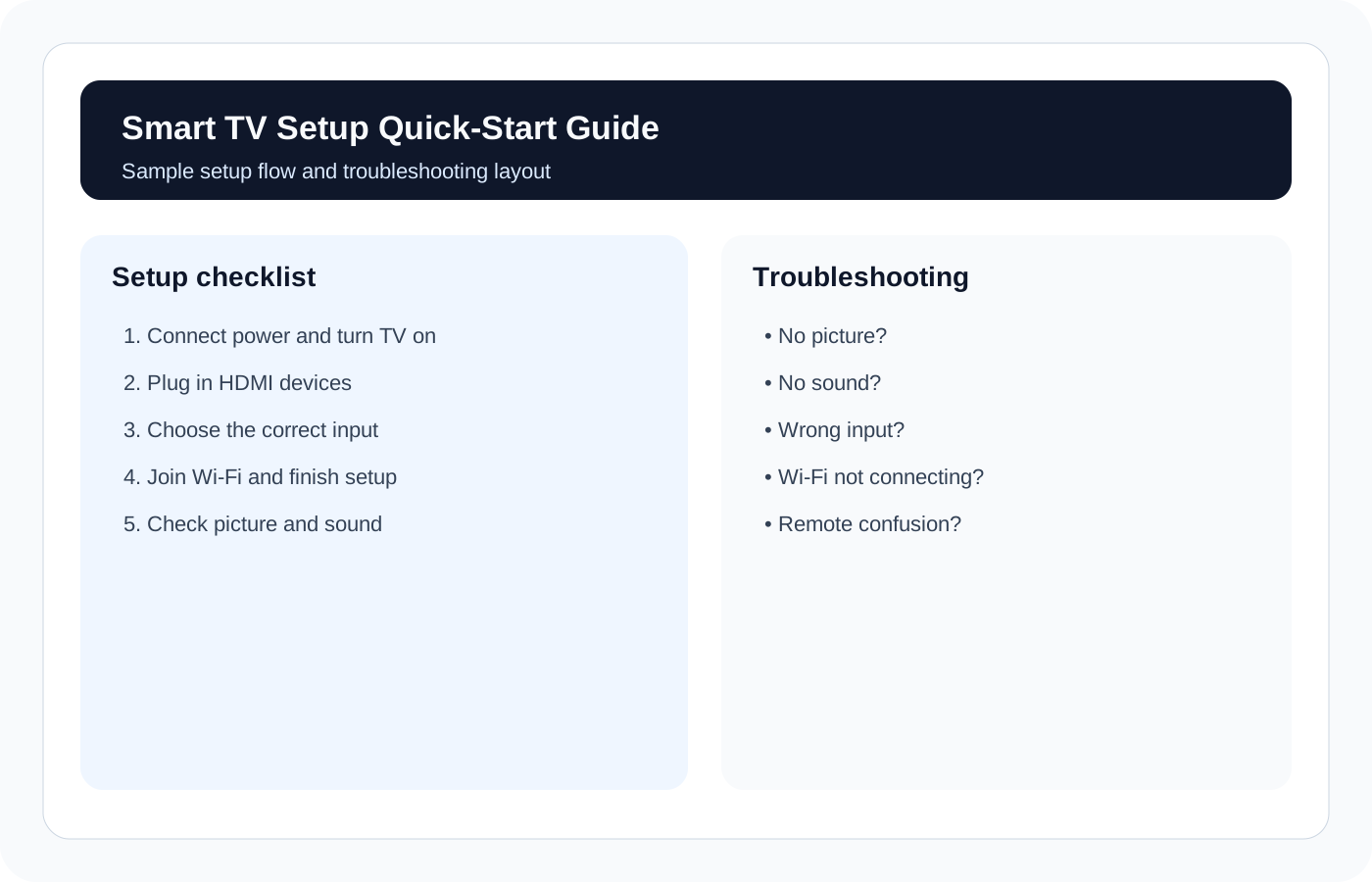
Sample layout from the Smart TV Setup Quick-Start Guide

Setup flow

  • Power, HDMI, and input selection
  • Wi-Fi connection and first settings
  • Picture and sound basics

Troubleshooting help

  • No picture or no sound checks
  • Remote and input confusion fixes
  • Notes section for TV and Wi-Fi details
This works best as a handoff guide for yourself, family, rentals, or anyone who asks you to "just get the TV working."

Buy this if...

You want a simple repeatable setup process, especially if you are helping parents, customers, rentals, or multiple rooms.

Start with free content if...

You only need a quick answer on Wi-Fi or inputs. Read the setup and Wi-Fi troubleshooting articles first, then buy when you want the full handoff system.